

NeoHomes 2.0 Preview
NeoHomes 2.0 entered beta for premium members, and what an UPGRADE! It's everything that users thought it would be and more. We have gathered lots of information and screenshots so that you can get a cool preview of this grand, new feature.
What will happen to my old NeoHome?
It appears that old NeoHomes are here to stay. Some of the old NeoHome items are being converted, but since they all can't be converted and so many people worked very hard on their old NeoHome, Neopets can't just drop them off the face of the earth. So, while we aren't sure exactly how it will work, they won't be going anywhere it seems.
Screenshots
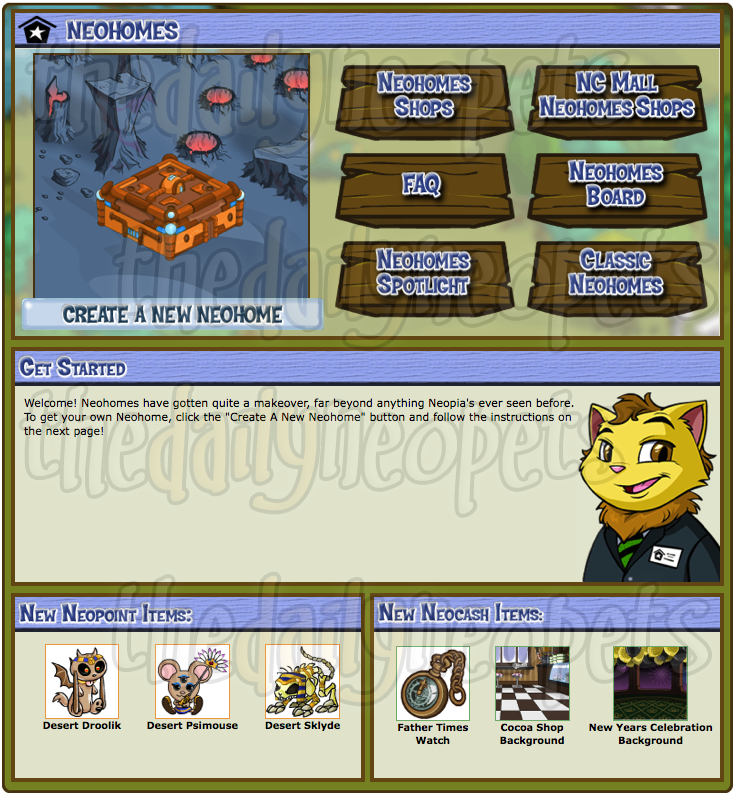 |
NeoHome Index This is the page that loads, and acts as your home page, from here you can basically do and control what you want to do with your NeoHome. |
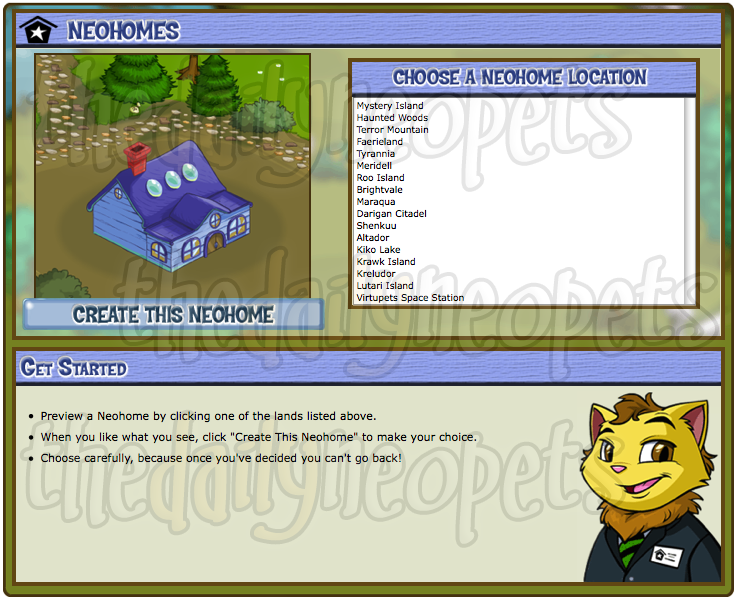 |
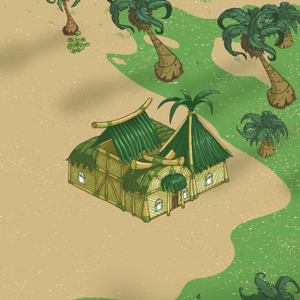
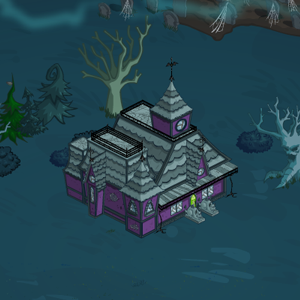
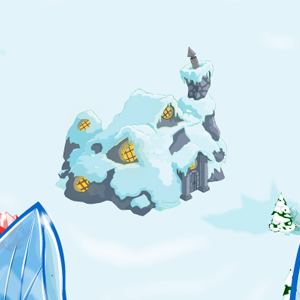
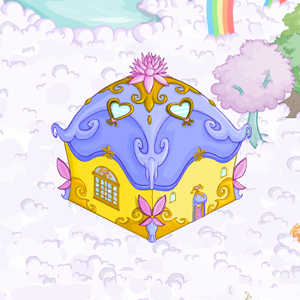
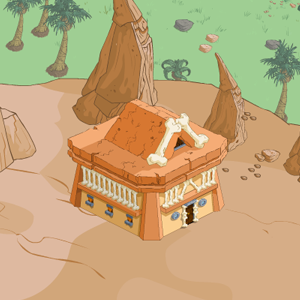
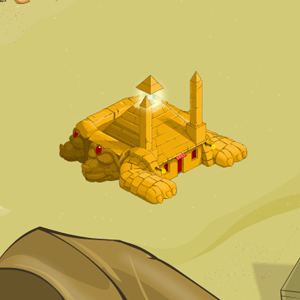
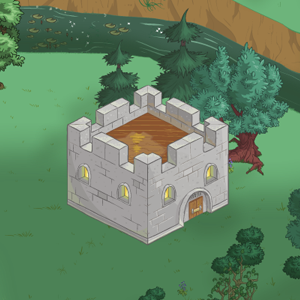
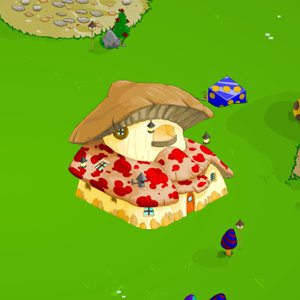
Creating a NeoHome NeoHomes all have locations, well now they come to life by selecting not only what world your NeoHome is in, but what it's going to look like. Take a peek at all the world NeoHome images below the screenshots. |
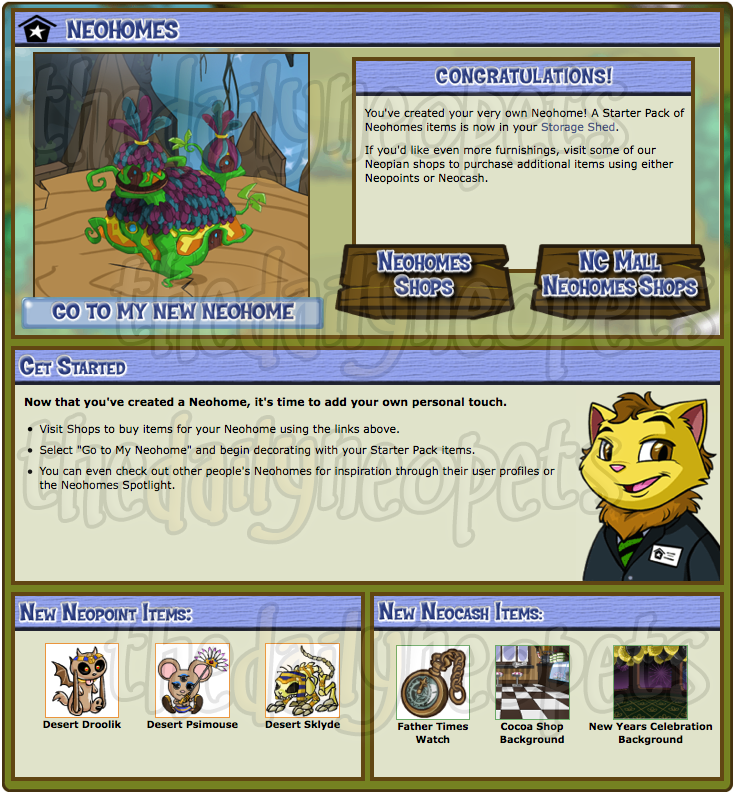 |
Edit NeoHome/Purchase Items From here you choose to go edit your NeoHome and move all those cool new items around! |
| Edit Neohome page | 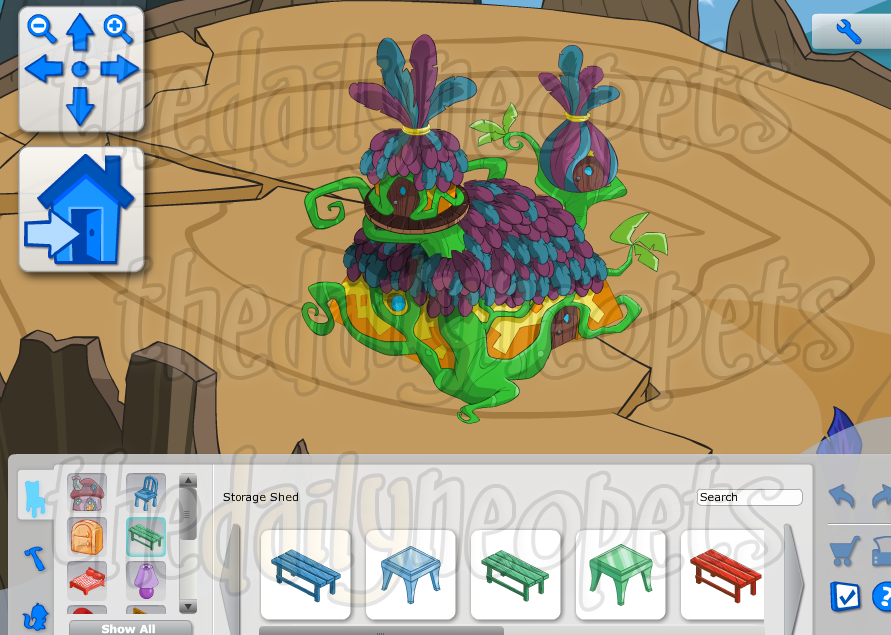 |
View NeoHome When you first click "edit" your NeoHome from one of the pages above, you are taken to an area where you view the outside of your NeoHome. From there you click the huge NeoHome button with the arrow to the right. -> This enters your into your NeoHome to add/remove items. |
|---|---|
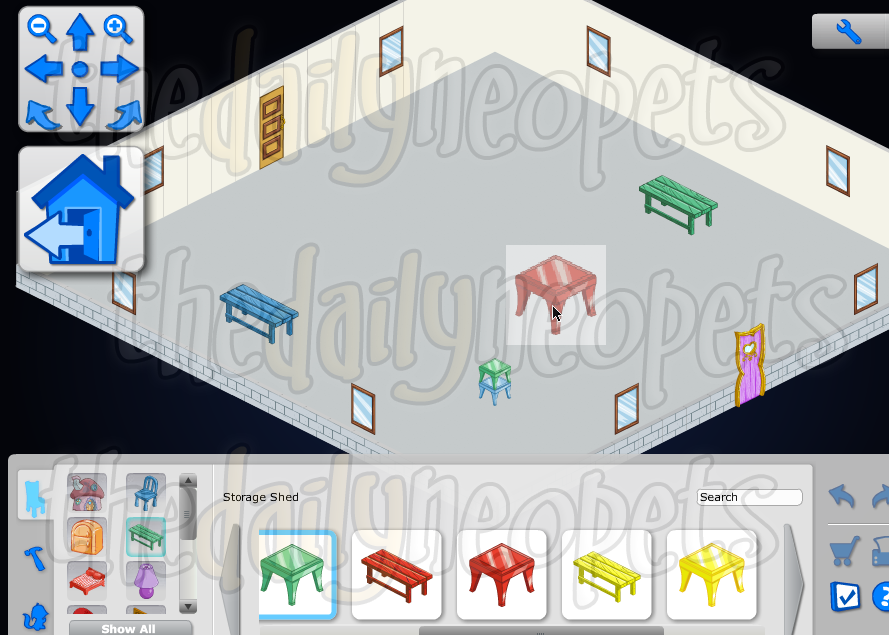 |
Adding ItemsAll you have to do to add an item is a simple drag and drop it from the bar below! |
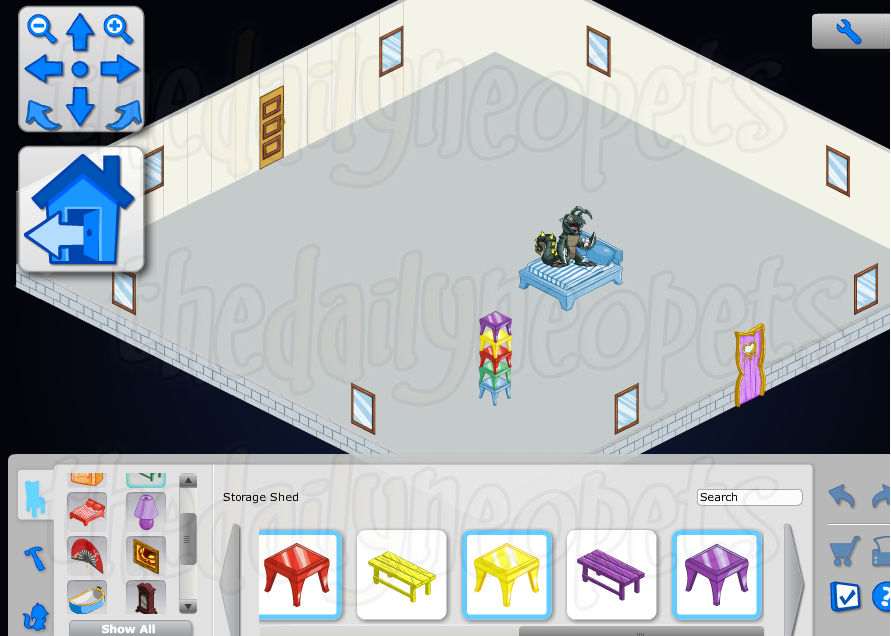 |
Look! You can stack items. The Lutari is standing on the bed, and all those tables on on top of each other. :o |
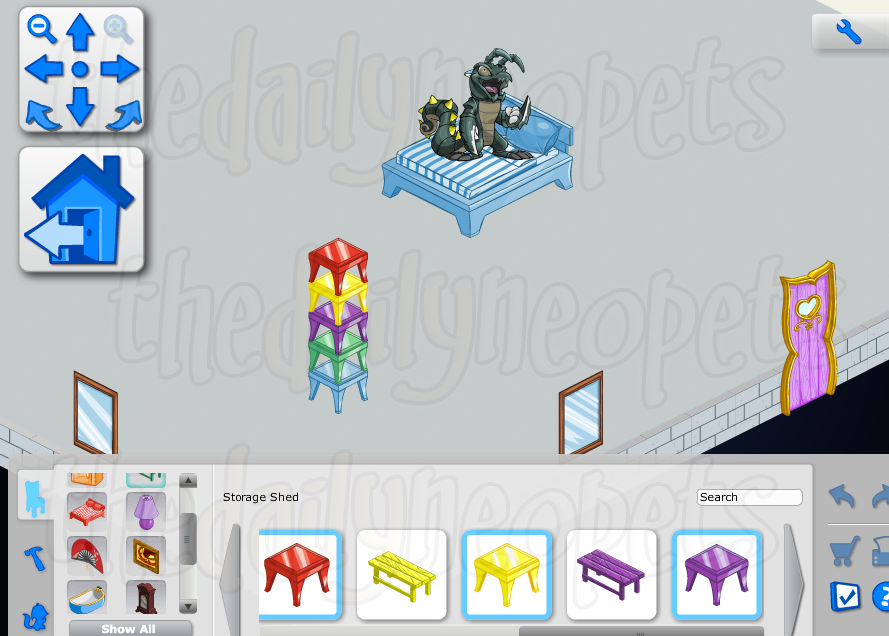 |
A close up of the stackable items! |
| Options Menu | |
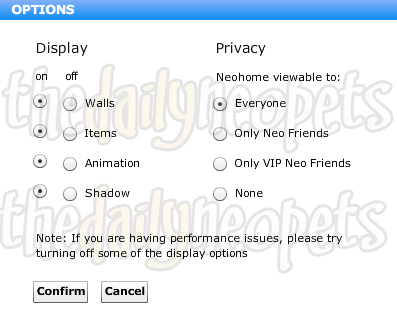 |
Options! Check out these cool options. You will be able to set your NeoHome 2.0 viewable to only certain people, such as your NeoFriends. You can also edit other little features, take a look. |
Tutorial
Here is a rundown of exactly how to do things in your NeoHome 2.0!
How do I move around in my Neohome?
- Click on any of the four navigation buttons
 inside the Neohome window. If you'd like to center your Neohome, click on the circle between the arrows.
- To rotate the entire room, click on either of these buttons
 .
.
- If you'd like to get a closer look at your Neohome, click on either of these
 . There are five levels of zoom magnification to choose from.
TIP: You can only rotate the view of the interior of your Neohome, not the exterior.
How do I view and sort items?
- To sort your various Neohome items, you can either choose the category you want (for example, if you want to see all of your lamps, click the
 in the Storage Shed window), or you can search by keywords using the search function. For example, if you have a collection of Mystery Island items and you want to find all of them, you'd just type the keywords "Mystery" and "Island" in the "Search" field
  and voilà!
- You can also see all of your Neohome items by clicking
 and scrolling through them in the Storage Shed window.
TIP: Rollover the item to get a quick description of it.
How do I place items?
- Placing items with your mouse is easy. All you have to do is click on the item in the Storage Shed window and then drag it into your workspace. Once you have put the item in your Neohome, a small menu will appear that allows you to move the item up, down, or rotate it. Keep in mind, though, that complete Neohomes, Neohome additions, and Neopets cannot be rotated.
TIP: You must be in Edit Mode when adding furniture to your Neohome. Click on
 to enter Edit Mode.
How do I remove items?
- To remove an item from your Neohome, simply click on it and drag it back into your Storage Shed.
TIP: Clicking on any item will adjust your Storage Shed list to reflect its state. When an item is usable, it will be in full color, but when it is not usable in your current view mode, the item will appear grayed out. Items already in use are outlined in blue in your Storage Shed.
How do I preview my Neohome?
- You can preview your Neohome to see it just as visitors will by clicking on the
 !
!
How do I save my work?
- Click on the
 to keep the changes that you've made.
TIP: The
button is only available after you have modified something in your Neohome.
How can I protect my work from others revising it?
- The new Neohomes application includes the ability to set PIN protection (a four-digit code that you can select). When PIN protection is turned on, this number must be entered or you cannot save your Neohome.
TIP: Turning on PIN Protection also automatically protects your Storage Shed as well as your Neohome.
How do I get more items?
- You can find more items for your Neohome in shops around Neopia. For a quick link to shops that carry items for your Neohome, click on
 to be taken to the Shopping Hub. You can also visit the Neohome shops in the NC Mall for premium home furniture and designs for your walls and floors!
Worlds
| Mystery Island | Haunted Woods |
|---|---|
|
|
| Terror Mountain | Faerieland |
|
|
| Tyrannia | Lost Desert |
|
|
| Meridell | Roo Island |
|
|
| Brightvale | Maraqua |
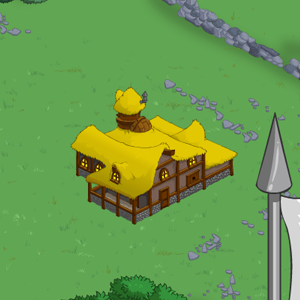
|
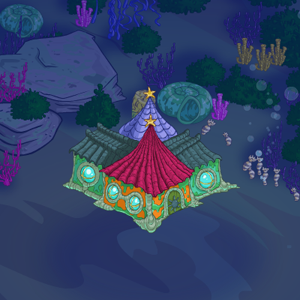
|
| Darigan Citadel | Shenkuu |
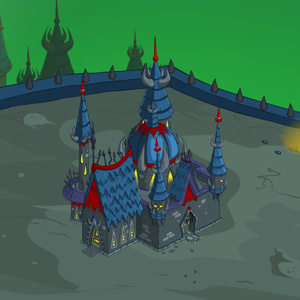
|
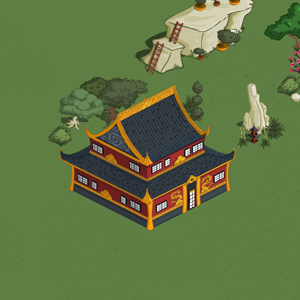
|
| Altador | Kiko Lake |
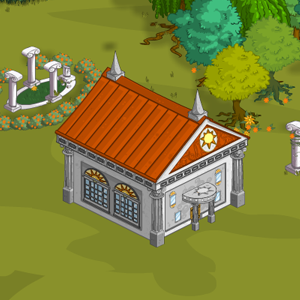
|
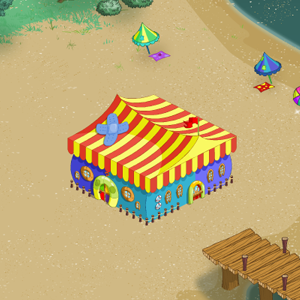
|
| Krawk Island | Kreludor |
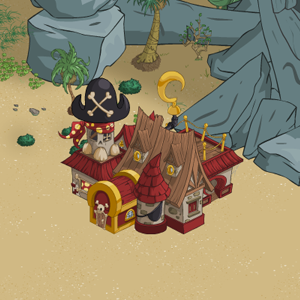
|
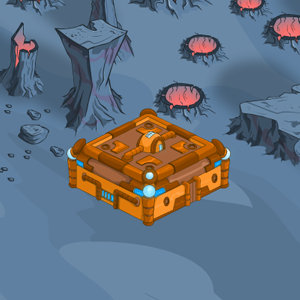
|
| Lutari Island | Virtupets |
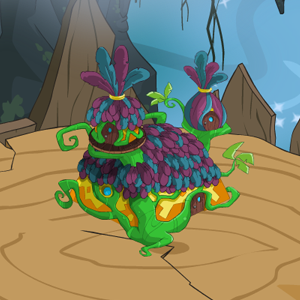
|
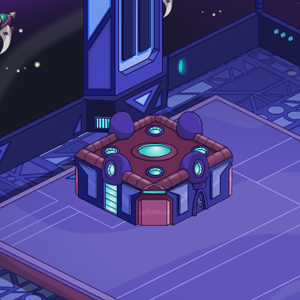
|
Alerts
 The Snowager
Snowager is sleeping!
 Next Possible Wake
Oct 24: 2 AM/PM NST
Oct 25: 7 AM/PM NST
Oct 26: 12 AM/PM NST
Oct 27: 5 AM/PM NST
 Obelisk War: Battle
Next cycle: 3d, 17h, 16m
Neopia Today


The Runway Contest

Recently At Forums
- Saturday, October 24
- Festival of Fears: Trick or Treating Now Available
- Friday, October 23
- Thursday, October 22
- Wednesday, October 21